When this helps, and when it does not
Fixing the source and re-exporting is often the sensible route. A well-structured Word or InDesign file that exports correct tags removes the problem at its origin, and nothing here argues against that where it is available. This workflow is for the situation where tagging and checking happened on the PDF, the client has sent a new export, and that PDF-side work would otherwise be lost.
The first project costs real work. Someone has to review the baseline and record what they actually checked before there is anything to carry. Value appears from the second revision onward, and only when the revision stays within what the engine can match. In this example the baseline review was automated so the mechanics could be shown; in practice it is your own review time.
1. The baseline
A fictional three-page volunteer guide for a fictional library, generated with ReportLab and pikepdf so its structure is known exactly. Each page has an H1, an H2 and four paragraphs, tagged as such, with the header strip, footer and page number marked as artifacts. The document has a title, an English language declaration and a PDF/UA-1 identification in its metadata.
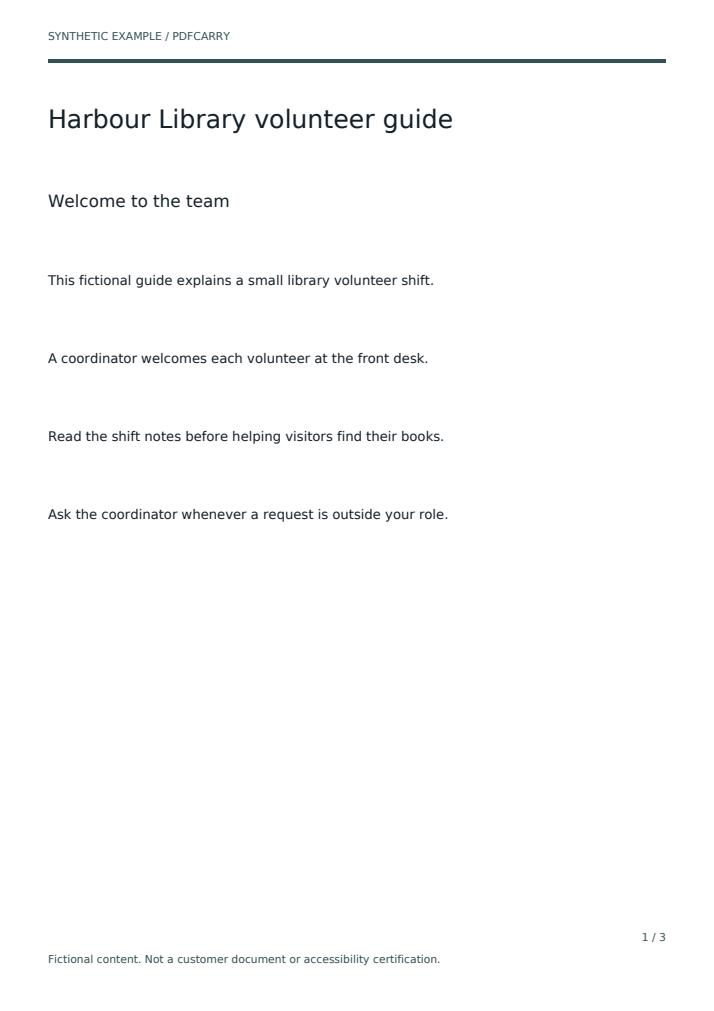
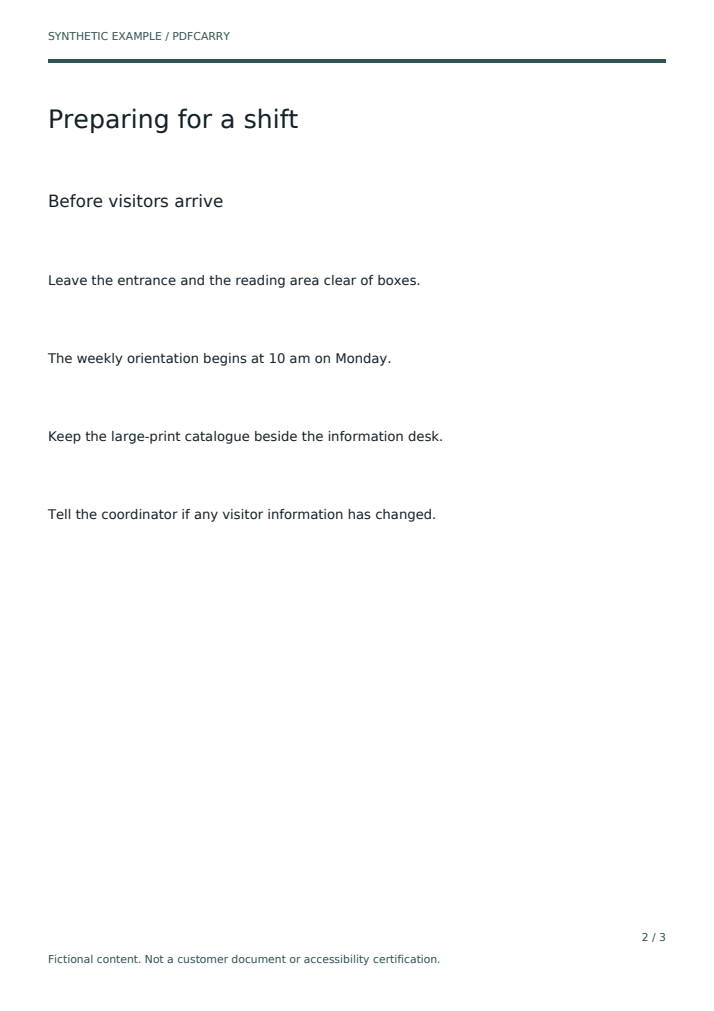
- Pages
- 3
- Items after import
- 19: document properties plus 18 text elements
- Scopes after import
- 55, all in the state
imported-baseline - Review events after import
- 0. Importing a tagged file creates no review records. Tags are not evidence.
2. Record what was checked
PDFCarry stores a review event when a reviewer marks a scope on an item as checked. In a real project you record only what you actually verified, item by item, and you can leave things unchecked. For this example a script recorded all 55 scopes at once so that the next step has something to carry.
That shortcut is visible in the files, not hidden. Every event names its reviewer as SYNTHETIC fixture setup - not a professional reviewer and carries the note Automated synthetic records solely to demonstrate evidence carryover; no human accessibility review occurred.
Reviewer names in PDFCarry are local labels, not authenticated signatures, which is another reason the manifest quotes them rather than trusting them.
- Scopes recorded
- 55 of 55
- Review events
- 19, one per item
3. The revision arrives
The revised export changes three things. The orientation sentence on page 2 now reads 11 am on Tuesday instead of 10 am on Monday. A fifth paragraph is added to page 2. And the producer has tagged every element, headings included, as a paragraph. Dropped heading roles are a familiar kind of damage from a re-export, and they are the reason the baseline structure is worth carrying.
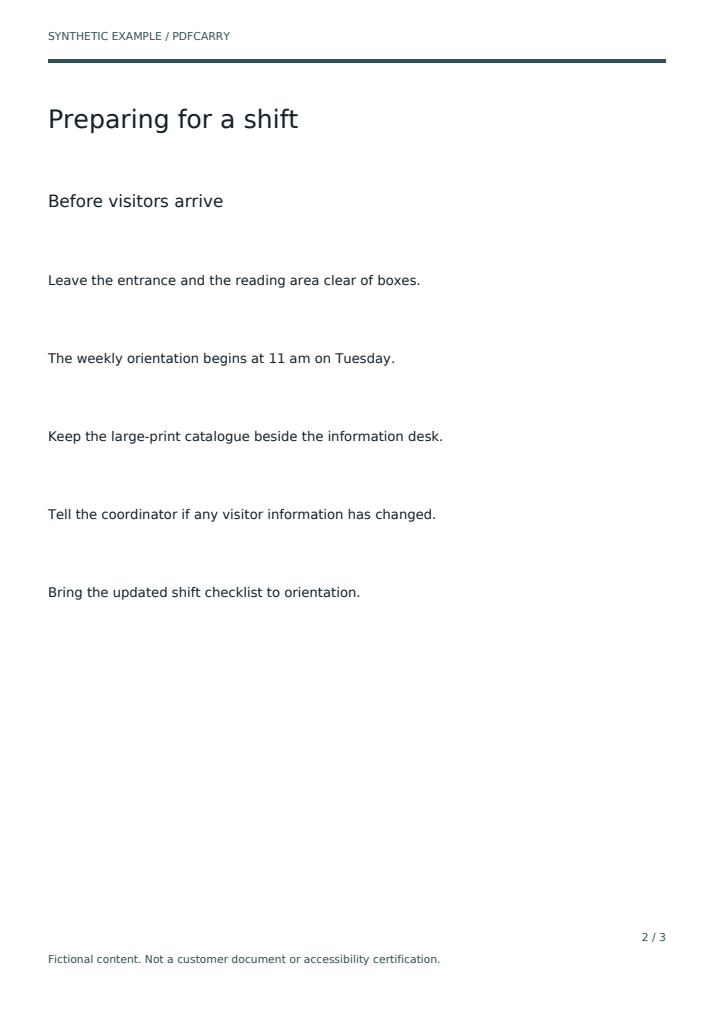
The revision is imported into the same project. The original baseline file is never altered; both originals are kept and their hashes are checked after the run.
4. Inspect what carried
This is the full ledger for the guide case: one row per item, one cell per scope, read from results.json. The bar at the top of the page is this table summed.
| Item (text as it appears in the revision) | Structure | Reading order | Language |
|---|---|---|---|
| Document | |||
| Document properties single scope: document metadata | kept | ||
| Page 1 | |||
| Harbour Library volunteer guide heading role H1 restored; the revision tagged it P | kept | reopened | kept |
| Welcome to the team heading role H2 restored | kept | reopened | kept |
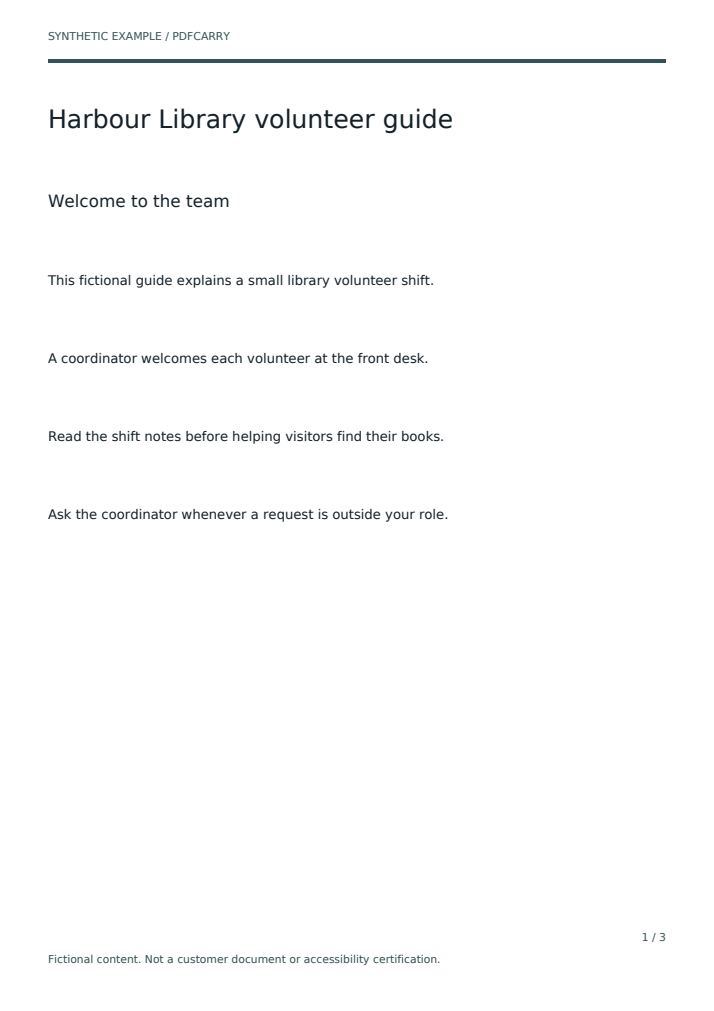
| This fictional guide explains a small library volunteer shift. | kept | reopened | kept |
| A coordinator welcomes each volunteer at the front desk. | kept | reopened | kept |
| Read the shift notes before helping visitors find their books. | kept | reopened | kept |
| Ask the coordinator whenever a request is outside your role. | kept | reopened | kept |
| Page 2, where the content changed | |||
| Preparing for a shift heading role H1 restored | kept | reopened | kept |
| Before visitors arrive heading role H2 restored | kept | reopened | kept |
| Leave the entrance and the reading area clear of boxes. | kept | reopened | kept |
| The weekly orientation begins at 11 am on Tuesday. changed sentence; the baseline said 10 am on Monday | none | none | none |
| Keep the large-print catalogue beside the information desk. | kept | reopened | kept |
| Tell the coordinator if any visitor information has changed. | kept | reopened | kept |
| Bring the updated shift checklist to orientation. new sentence, not in the baseline | none | none | none |
| Page 3 | |||
| Closing the reading room heading role H1 restored | kept | reopened | kept |
| A consistent handover heading role H2 restored | kept | reopened | kept |
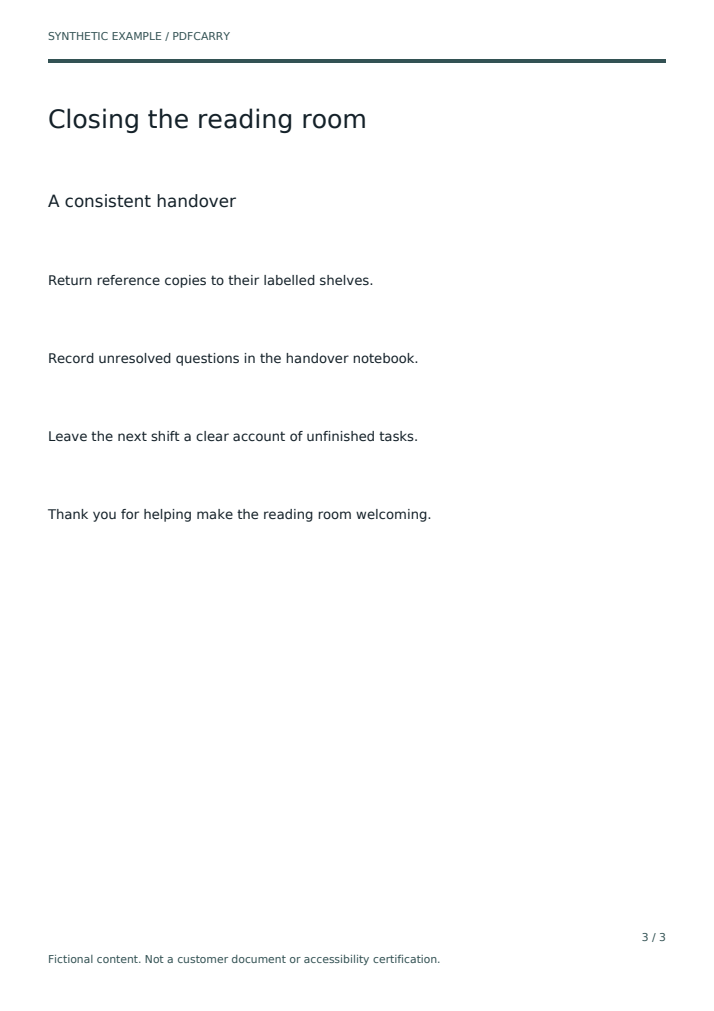
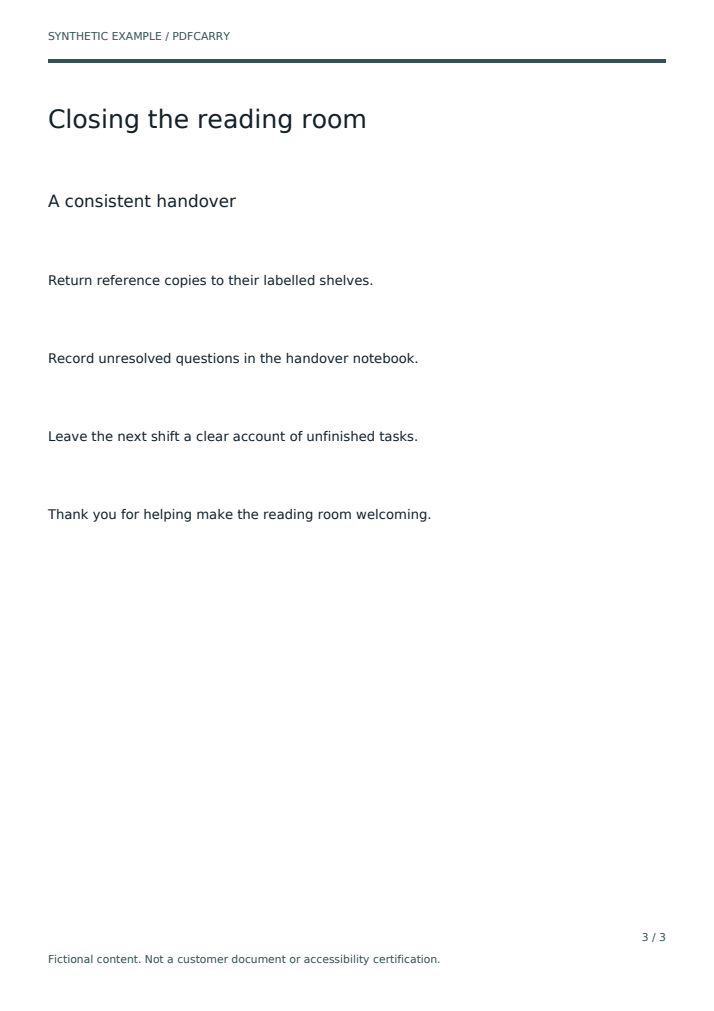
| Return reference copies to their labelled shelves. | kept | reopened | kept |
| Record unresolved questions in the handover notebook. | kept | reopened | kept |
| Leave the next shift a clear account of unfinished tasks. | kept | reopened | kept |
| Thank you for helping make the reading room welcoming. | kept | reopened | kept |
- kept: a prior review record carried to this version (35 scopes)
- reopened: carried, then reopened with a recorded reason (17 scopes)
- none: no carried review; the item is new or changed (6 scopes)
Nineteen of the twenty items still need some review. Only the document properties item is fully covered. That is the outcome of a revision like this one: the structure and language checks on unchanged text carried, the reading-order check reopened everywhere, and the two changed or new sentences start from nothing.
Headings came back
All six heading elements in the output carry their baseline roles, H1 and H2 on each page, even though the incoming file tagged them P. The engine restored a justified baseline role where the text and position matched; it did not guess new headings.
Reading order reopened on every carried item, not only page 2
Every one of the 17 carried text items shows reading order as reopened, with the recorded reason A dependency changed between document versions.
Adding a paragraph changes the sequence, and in this run the engine did not attempt to localise that to one page. It reopened the reading-order check across the document. This is deliberately conservative. It also means the accurate summary is not two sentences need checking
. It is: structure and language carried on 17 items, reading order needs a fresh pass everywhere, and two items start from nothing.
Changed and new text carried nothing
The altered orientation sentence and the new checklist sentence have no carried evidence on any scope. They are listed as imported-baseline, the same state every item had before anyone reviewed anything.
- Scopes after revision
- 58: 35 kept, 17 reopened, 6 with no carried review
- Items
- 20, of which 19 need some review and 1 is fully covered
- Review events
- 19 before the revision, 19 after. Importing a revision creates no new review records.
- Heading roles in output
- H1, H2, H1, H2, H1, H2
- Rendered pixels
- Output identical to the incoming revision on all 3 pages
- Originals
- Both baseline and revision bytes unchanged after the run
5. Export with evidence
The export produces a PDF and a manifest. The manifest records the SHA-256 of that exact PDF, the purpose of the export, the machine validation result, and every carried, reopened or missing scope with its reviewer label, note and date. It applies to that file only. Edit the PDF anywhere else and the hash no longer matches.
- Output file
- guide-output-for-review.pdf
- Manifest
- guide-evidence.json
- PDF SHA-256 in manifest
13c636341f7dd1ebbbf41e94ec8edef46f1fad8b5a57f3810cb1d68bd444b467- Export purpose
further-review. The engine will not mark this export as reviewed because human checks are incomplete.- Machine validation
- veraPDF 1.30.2, PDF/UA-1 profile: passed, 106 rules and 2,663 checks, 0 failures
- Validation scope, quoted from the manifest
- Machine-checkable PDF/UA-1 requirements only; not full accessibility approval.
A passing validator and a nineteen-item review backlog sit side by side in the same manifest. That is the normal state of a revised document, and it is what the export hands to the next reviewer.
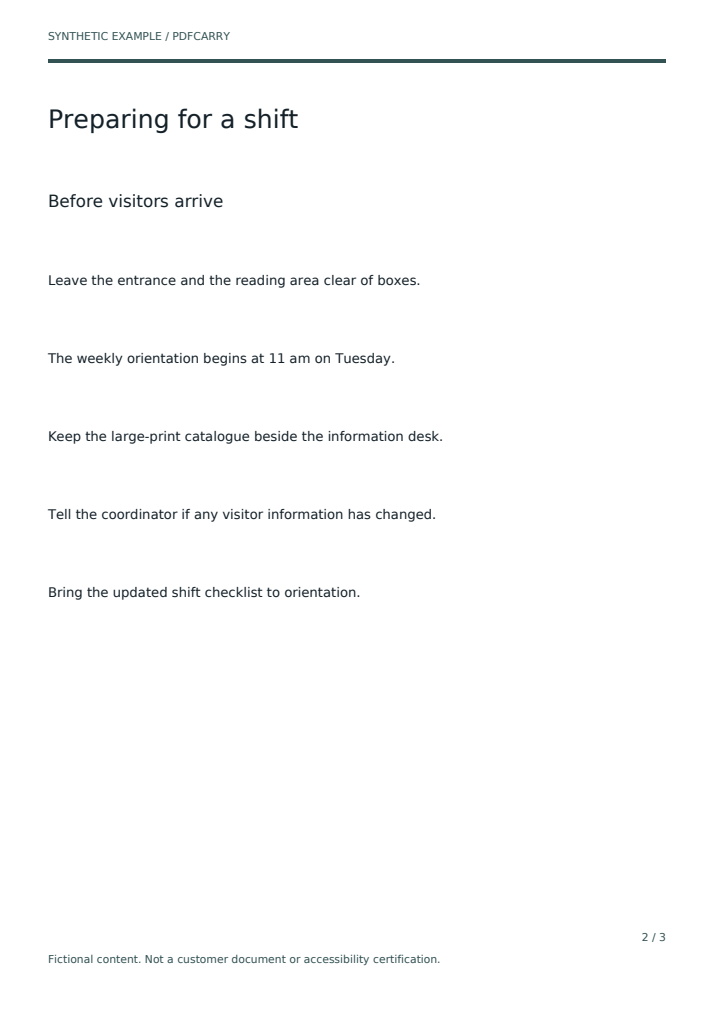
The refusal: a changed table
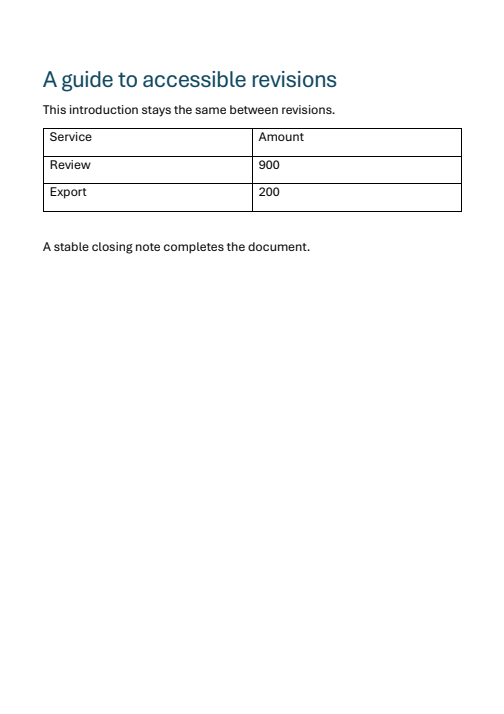
The second case is a one-page synthetic Word document from the repository's test fixtures. The baseline is tagged and its header row was explicitly promoted to header cells with column scope. The revision is an untagged Word export of the same page in which the amount for the Review row changes from 100 to 900.
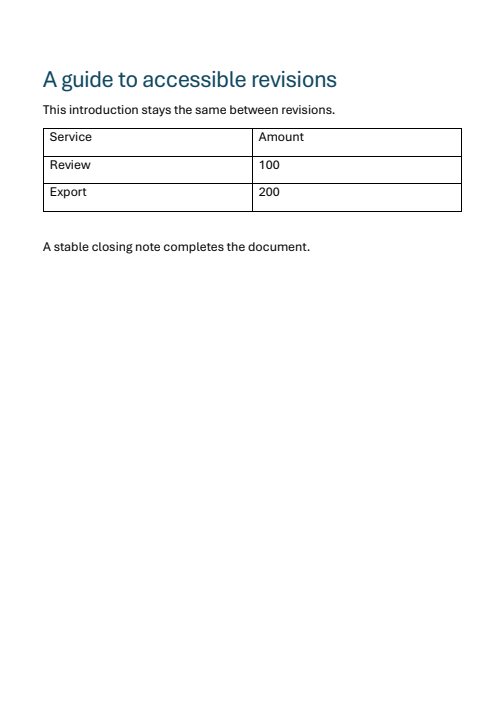
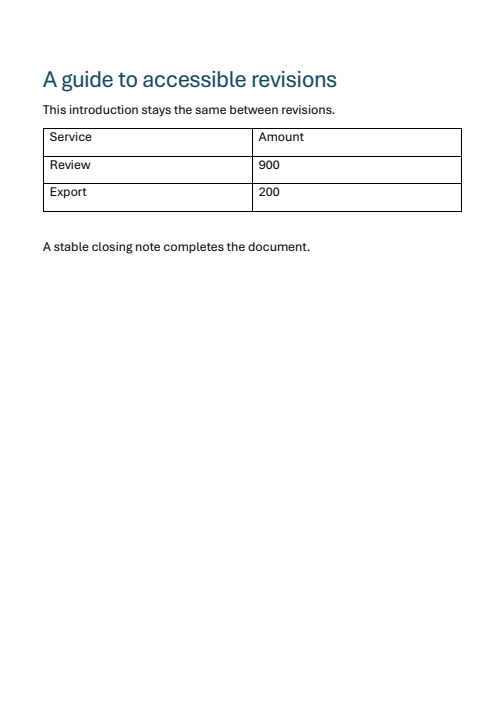
The engine refused to reuse the table. The recorded warning is: Complete group text, boundaries or geometry could not be uniquely established.
Role: Table. The output contains no Table structure at all. The cells are present as individual items, the number 900 is preserved, and the page renders identically, but the table as a table has to be rebuilt by a person, in PDFCarry if it can be uniquely reconstructed, or in an external editor.
| Item | Structure | Reading order | Language | Alt text |
|---|---|---|---|---|
| Document and unchanged text | ||||
| Document properties single scope: document metadata | kept | |||
| A guide to accessible revisions heading role H1 carried | kept | reopened | kept | n/a |
| This introduction stays the same between revisions. | kept | reopened | kept | n/a |
| Table refused for reuse: cells carried as loose items, no Table structure | ||||
| Service | none | none | none | n/a |
| Amount | none | none | none | n/a |
| Graphic without text reported by the validator as a Figure lacking alternative text | none | none | none | none |
| Review | none | none | none | n/a |
| 900 changed value; the baseline said 100 | none | none | none | n/a |
| Graphic without text | none | none | none | none |
| Export | none | none | none | n/a |
| 200 | none | none | none | n/a |
| Graphic without text | none | none | none | none |
| Unchanged text after the table | ||||
| A stable closing note completes the document. | kept | reopened | kept | n/a |
- kept (7 scopes)
- reopened (3 scopes)
- none (30 scopes)
- group refused for reuse
Some unrelated text did carry. The heading, the introduction and the closing note kept their structure and language evidence and reopened reading order, exactly as in the guide case. The refusal is scoped to the group that could not be matched, not the whole page.
What machine validation reported
The exported table output fails PDF/UA-1 machine validation on 3 rules and 5 checks. The report lists a missing PDF/UA identification, a missing document title, and three Figure elements without alternative text. Those three figures are drawings with no text. Whether they are table rules or something else is not something the validator determines, and this walkthrough does not attribute them.
What the report cannot show is the table's missing semantics. In this run, the validator reported no missing-table-structure failure. That does not establish that the table is accessible. The refusal record and a person are what tell you the table needs rebuilding.
| Rule | Failed checks | Validator message |
|---|---|---|
| ISO 14289-1 clause 5, test 1 | 1 | The document metadata stream doesn't contain PDF/UA Identification Schema |
| ISO 14289-1 clause 7.3, test 1 | 3 | Figure structure element neither has an alternate description nor a replacement text |
| ISO 14289-1 clause 7.1, test 9 | 1 | Metadata stream does not contain dc:title |
- Output file
- table-output-for-review.pdf
- Manifest
- table-evidence.json
- PDF SHA-256 in manifest
48d110dfd819db7d4af25beae1f83b08a0f2e3124a42af48aadd40e3857ff258- Export purpose
further-review- Machine validation
- veraPDF 1.30.2, PDF/UA-1 profile: failed, 103 rules passed, 3 failed, 920 checks passed, 5 failed
- Review events
- 11 before the revision, 11 after
- Rendered pixels
- Output identical to the incoming revision
What a specialist does next is ordinary work: set the title and PDF/UA identification, describe or mark the three graphics, and rebuild the table with its header cells. Then record those checks. The engine's contribution here was to refuse quietly and to say why, rather than carrying a header-cell review onto a table whose numbers had changed.
What this example does not show
- No human review. All 30 review events across both cases are automated setup with the reviewer label quoted above. Nothing here was checked by an accessibility specialist.
- No timing. Setup, review and export durations were not measured, and no time saving is claimed or implied.
- Controlled producers. The guide was generated so its structure is exact, and the table comes from a small Word fixture. Real agency exports from Acrobat, InDesign, CommonLook or other tools were not tested in this run, and their behaviour may differ.
- Small documents. Three pages and one page. The supported envelope is born-digital PDF 1.x up to 50 MB, 200 pages and 20,000 structure elements.
- Out of scope by design: scanned pages, encrypted or signed files, interactive forms and XFA, PDF 2.0, complex or changed tables, mixed or stream-scoped structure, and untagged grouped graphics containing text. These need an external editor.
- Not certification. A veraPDF pass covers machine-checkable PDF/UA-1 rules. Reading order, meaningful alternative text, heading logic and table relationships still need a person.
- Not a release. The engine run used the installed local 0.2.2 Python engine, not a signed public installer. Windows only.
Files and checksums
Everything on this page can be checked against the files in this folder. Hashes below are copied from SHA256SUMS.txt. Page previews were rendered from the PDFs with pypdfium2 at 1.2 scale.
| File | Role | SHA-256 |
|---|---|---|
| guide-baseline.pdf | Guide case, tagged baseline, 3 pages | 1a6ff2915faaa9b5b190749d0556c51d9a3a3a6f64706d1a8893fb19c8f06683 |
| guide-revision.pdf | Guide case, revision with headings tagged P | fc1e621742db299b94f6c1fdc337571818ed3ee3f4d6b06beb7f3268449f1852 |
| guide-output-for-review.pdf | Guide case, exported output | 13c636341f7dd1ebbbf41e94ec8edef46f1fad8b5a57f3810cb1d68bd444b467 |
| guide-evidence.json | Guide case, evidence manifest | 2fbde60298a18673f8c517d0893d18876d23e24524a7957ed753ae11a8f8f681 |
| table-baseline.pdf | Table case, tagged baseline with header cells | 394f8479914052f5538a95bfa848f28ac3a76b9de0dad6e818a7f60ca712a129 |
| table-revision.pdf | Table case, untagged revision, 100 changed to 900 | 8e241ec3e0e2f7d323e715ff9029c73d04baf9509a4c28b00e90685cba98954a |
| table-output-for-review.pdf | Table case, exported output | 48d110dfd819db7d4af25beae1f83b08a0f2e3124a42af48aadd40e3857ff258 |
| table-evidence.json | Table case, evidence manifest | 741dd87123a131db7a3f30c68ced1406ad57bad8063f46b74bf7ec6d2c108eed |
| results.json | Run summary for both cases, the source of every count on this page | 524ed6a47af1507abdb1701cc8fc91ef4d37cad498dee3faa89c629b79ed7383 |
| SHA256SUMS.txt | Checksum list for the PDFs and JSON files | n/a |
All twelve page previews
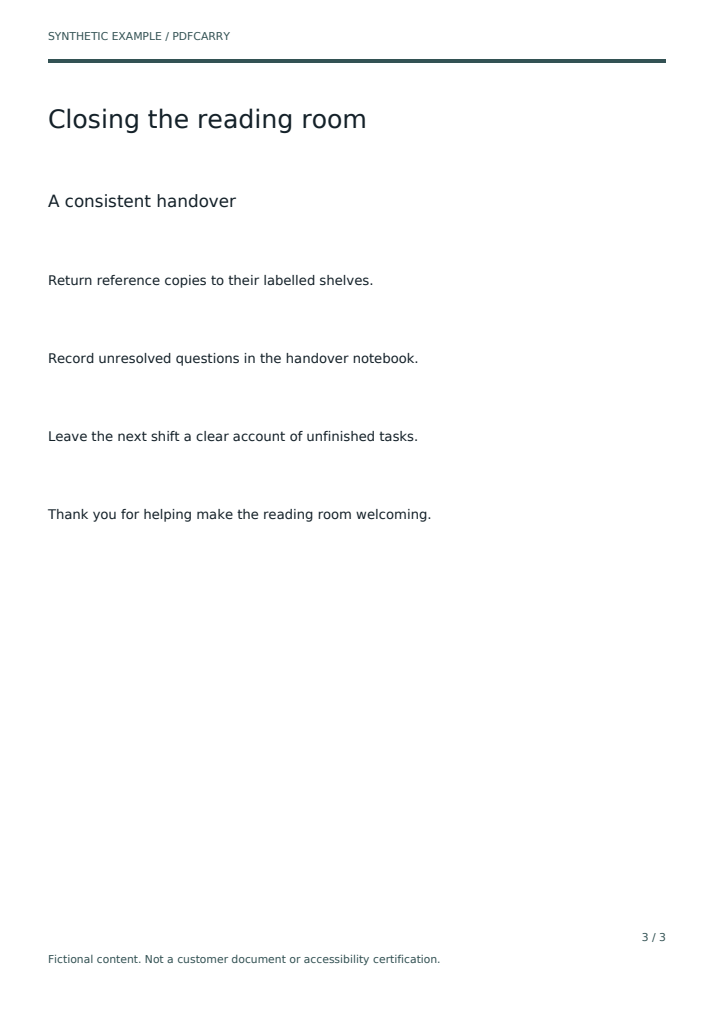
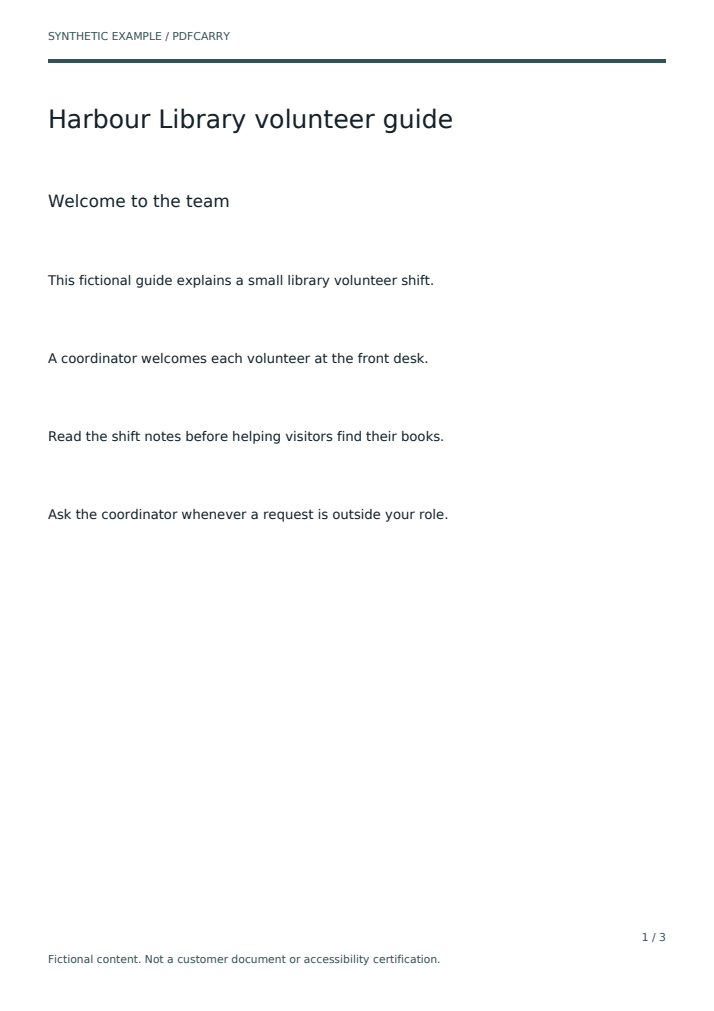
The README in this folder records the engine version, source commit, provenance of each fixture and the command that regenerates the pack. The article is the same walkthrough as plain text for editors who prefer it.